Local DNS VPN, Own DNS firewall, Walkie Beta QR and network tools for Android TV and Android

One app for DNS control and home-network diagnostics.

Custom DNS Switcher started as a simple DNS switcher. The current app also covers per-app DNS, Own DNS local filtering, Wi‑Fi analysis, SSH, Speed Test, LAN tools, TV launcher helpers, local configuration transfer and a new Walkie Beta QR module for compatible phones.

Not a VPN for changing country. The app uses Android VpnService locally to handle DNS on the device. Walkie Beta QR is a Premium Google Play module for phones/tablets; the classic Bluetooth Walkie remains separate.

Preview of Custom DNS Switcher on phone and TV.
App preview: phone layout on smaller screens, TV layout on larger screens.
Quick start

Just want to start? Do this first.

You do not need the full manual right away. The simplest Free setup takes only a moment.

Free

Tap Connect and start with the default DNS

  1. Open the app on your phone or TV.
  2. Tap Connect.
  3. Approve the Android local VPN prompt.
  4. The app starts the local DNS VPN with the default AdGuard DNS preset.

In this code line the default start uses the classic AdGuard DNS preset. For the user this means a simple DNS resolver switch with no account, no manual IP entry and no extra setup.

  • Android shows a VPN icon because the app uses local VpnService only for DNS handling.
  • It does not change country or public IP. This is not a streaming VPN.
  • If a network reacts badly, tap Stop and switch to another server from the library.
Full step-by-step start

Premium Lifetime

Why Premium exists

Premium is not required for the basic Connect button. It matters when you want real control over filtering, app scope and network tools.

  • Encrypted DoH/DoT DNS, per-app DNS and saved profiles
  • Own DNS firewall, Wi‑Fi Room Scanner, full Speed Test, SSH and LAN tools
  • Phone → TV config transfer, TV autostart and deeper automation

In the Google Play build Premium Lifetime is a one-time premium_lifetime product. If you use the same Google Play edition on phone and TV with the same Google account, you can restore the purchase on TV through Restore purchases.

Compare Free and Premium

App preview

App preview

The images below are localized mockups based on the programmed app UI. They are not emulator screenshots, but they show the main TV and phone screens.

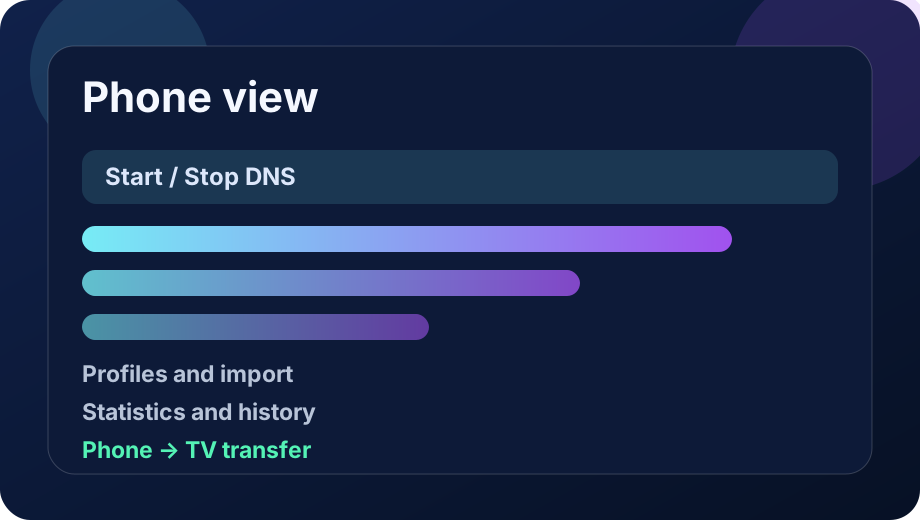
Phone view: dashboard, profiles, import and statistics.
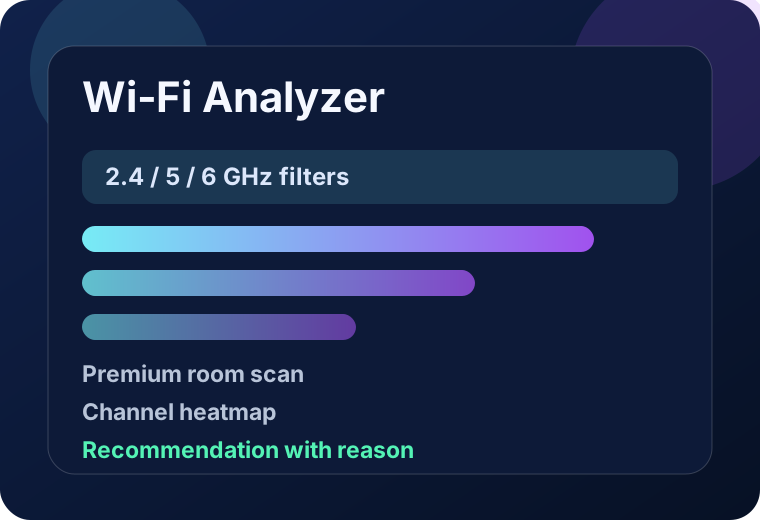
Wi‑Fi Analyzer: channels, bands, room-scan history and recommendations.
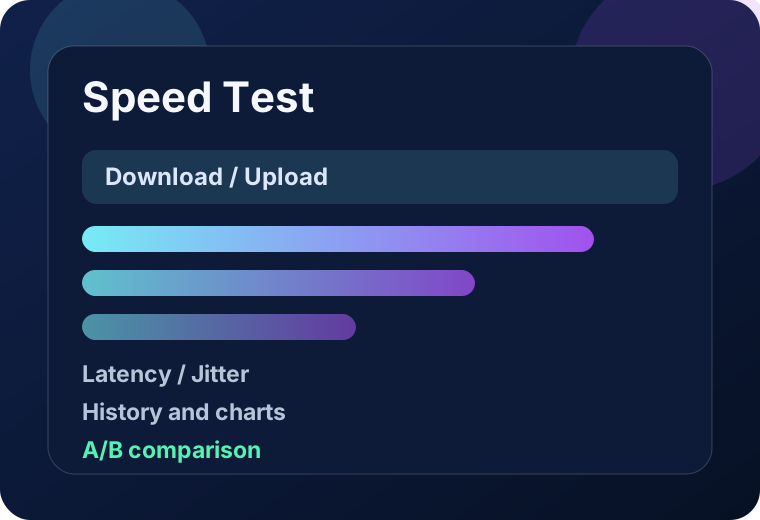
Speed Test: download, upload, latency, jitter, history and comparison.
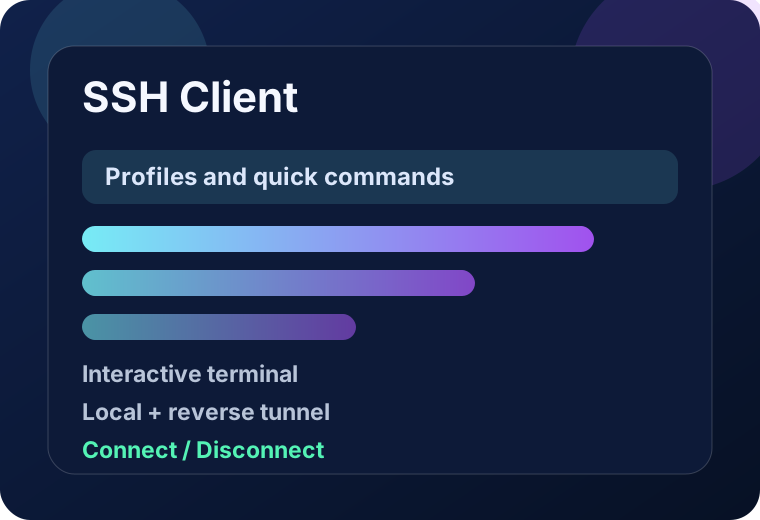
SSH Client: profiles, commands, terminal and tunnels.

Privacy and operating model

No account, no ads and a local-first design. Technical data stays on the device unless the user explicitly runs a network tool, connects to DNS/SSH services, shares an export or uses Google Play billing.

Walkie Beta QR works locally/offline over Nearby Connections, and Own DNS stores full domain logs only after the user turns that option on.

Free/Premium

Free vs Premium Lifetime

Free covers classic DNS switching and quick checks. Premium Lifetime unlocks encrypted DNS, Own DNS, automation, SSH, room Wi‑Fi scans, advanced statistics and Walkie Beta QR.

Free

Free version

  • Connect / disconnect local DNS VPN
  • Custom classic DNS IPv4/IPv6
  • Basic DNS library and manual server selection
  • DNS mode for all apps
  • Basic status, logs and My Address
  • Basic stationary Wi‑Fi scan
  • Quick Internet Speed Test sample
  • Basic website reachability and network checks
Premium Lifetime

Premium Lifetime

  • Saved DNS profiles, app groups and child/profile presets
  • Per-app DNS / split tunneling
  • Encrypted DNS DoH/DoT plus NextDNS and Control D helpers
  • Smart Profiles with schedule-based switching
  • Own DNS local firewall with ads/trackers/malware/telemetry filters
  • Custom rules, HTTPS sources, domain test and filter dashboard
  • QR transfer and local phone → TV configuration transfer
  • SSH client, terminal, quick commands and local/reverse tunnels
  • Wi‑Fi room scanner with history, comparison, charts and recommendations
  • Full Speed Test with upload, latency, jitter, regions and history
  • LAN discovery, Wake-on-LAN, Stability Monitor and advanced diagnostics
  • Optional local DNS statistics, top domains and diagnostics export
  • Walkie Beta QR for compatible phones over Nearby Connections
  • Cloud Backup Beta is still roadmap; local export is available today
Key features

What this app actually does

The home page now gives the fast overall picture. Deep technical detail and tutorials stay on the documentation page.

Simple DNS for everyday use

Free lets you enable the local DNS VPN, pick a server from the library and confirm that the device is already using the new resolver.

More control in Premium

Premium adds saved profiles, per-app DNS, encrypted DoH/DoT, Smart Profiles and child-mode protection for tighter traffic control.

Own DNS as a local firewall

This is a separate Premium mode for on-device domain filtering: ads, trackers, malware, telemetry, custom rules and custom HTTPS sources.

Phone and Android TV

The app is built for both phone and TV. You can prepare the setup on a phone and then transfer it locally to the television.

Tools in short

What comes next when basic DNS is not enough

This is no longer a single-feature app. It now has several distinct modules, but you do not need to use all of them at once.

Wi‑Fi and Speed Test

Free gives you a quick Wi‑Fi scan and a speed-test sample. Premium expands that into room scans, history, charts and comparisons.

SSH, LAN and diagnostics

If you want to inspect a home network, Premium adds SSH, tunnels, LAN discovery, Wake-on-LAN and broader network checks.

Walkie and TV transfer

Walkie Free and Walkie Beta QR are separate communication modules. There is also local phone-to-TV settings transfer.

Full instructions

When you need a concrete tutorial, that is the moment to open the full documentation or the change log.

User documentation

Full tutorials and change log

The home page stays a shortcut. The full user documentation now explains Own DNS, Wi‑Fi Analyzer room scans, Walkie Free and Walkie Beta QR, SSH, Android TV, widgets, import/transfer and every important Free/Premium difference in detail.

Documentation and tutorials

A structured help page with a table of contents, step-by-step instructions and practical descriptions for every major app feature.

Open documentation

Change log

A complete version list prepared from `CHANGES-*.txt` files plus newer local commits up to generation 3.11.102.

Open change log